Here's Why Dozens of Companies Have Chosen BigTime
Operational Financial Visibility
See budget vs. actual, margin, and WIP in real time.
Deep Accounting Integration
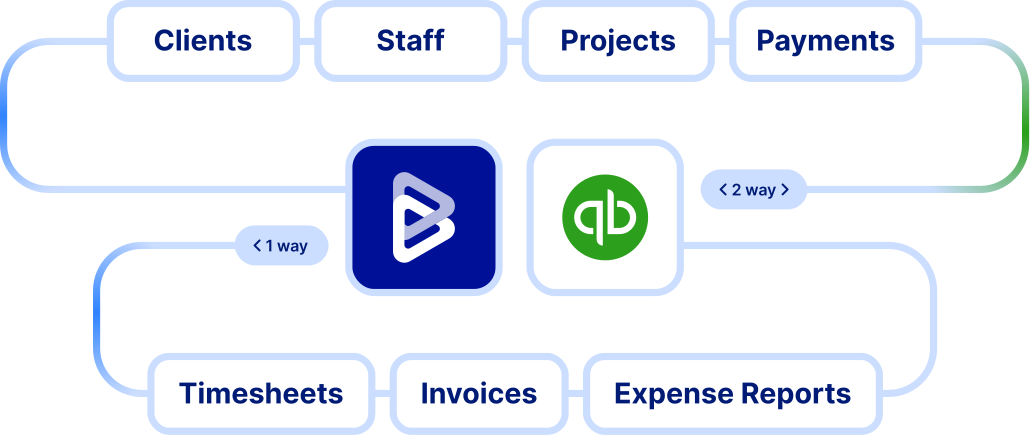
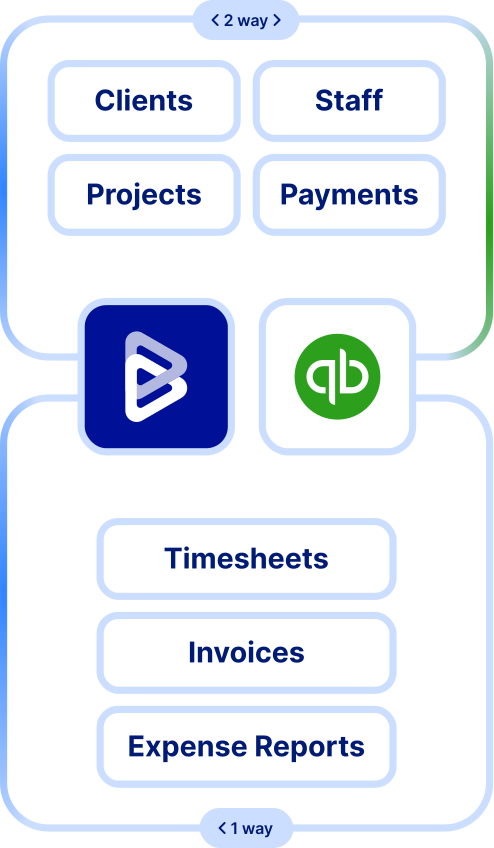
Time, expenses, tax codes, and GL mappings all sync automatically, both directions, in real time.
Bi-Directional QuickBooks Sync
Clients, staff, projects, and payments stay aligned across both systems.
Advanced Project Insights
See budget, margin, and utilization by project, client, or task, the moment they change.
Trusted by 3,000+ firms worldwide
From CPA firms to engineering consultancies and IT services teams, organizations rely on BigTime as their billing engine – connecting time, delivery, and financial reporting in one system.
“BigTime empowers our managers to get the data in real time and use it to make decisions on projects.”
-50%
invoicing time
Kyle MacDonald
CFO, Aegis Project Controls
“BigTime was a great solution because we were able to do the project management, the invoicing, the timecard — everything all in one place.”
+26%
increase in revenue
Leslie Pink Morgan
COO, Isaman Design Inc
“BigTime is literally the DNA of our professional services organization.”
+66%
increase in productivity
Richard Sides
CEO, Adroit North America
Your QuickBooks integration, unpacked
See exactly how BigTime and QuickBooks work together, from first setup to every invoice after.
Send invoices in a snap
Get invoices out the door and paid faster with BigTime by automatically calculating hours, rates, and expenses.
Invoice out of either system, giving you ultimate control and flexibility
Build and send invoices in BigTime and then push to QuickBooks for record-keeping or further processing
Create custom invoices
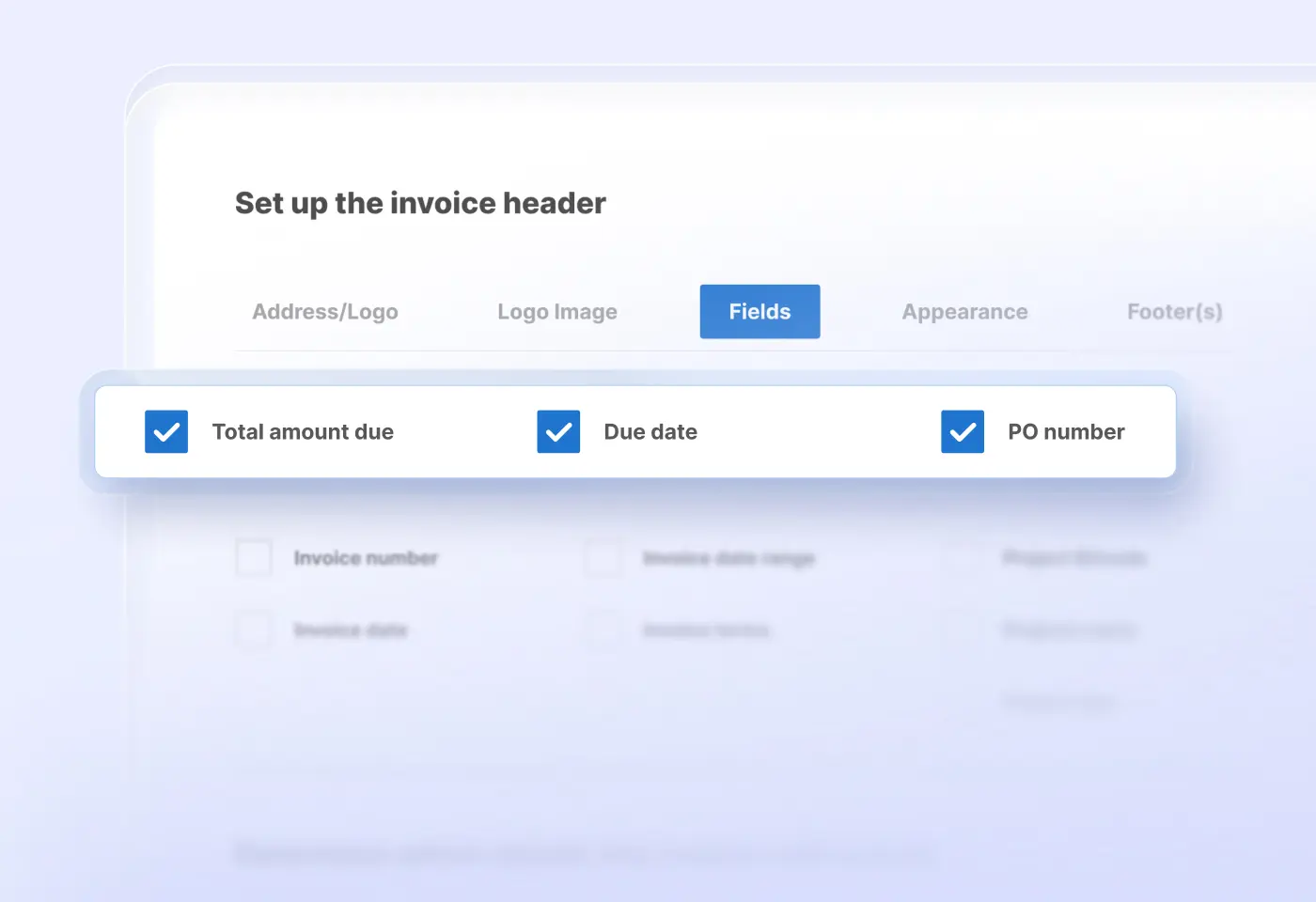
Stand out from the pack. Bill the way you want with custom invoice templates aligned to your brand.
Brand invoices with your logo, address, company colors, and more
Configure invoices based on client needs with fixed fee, time & materials, and custom “mixed” billing options
Set up your projects your way
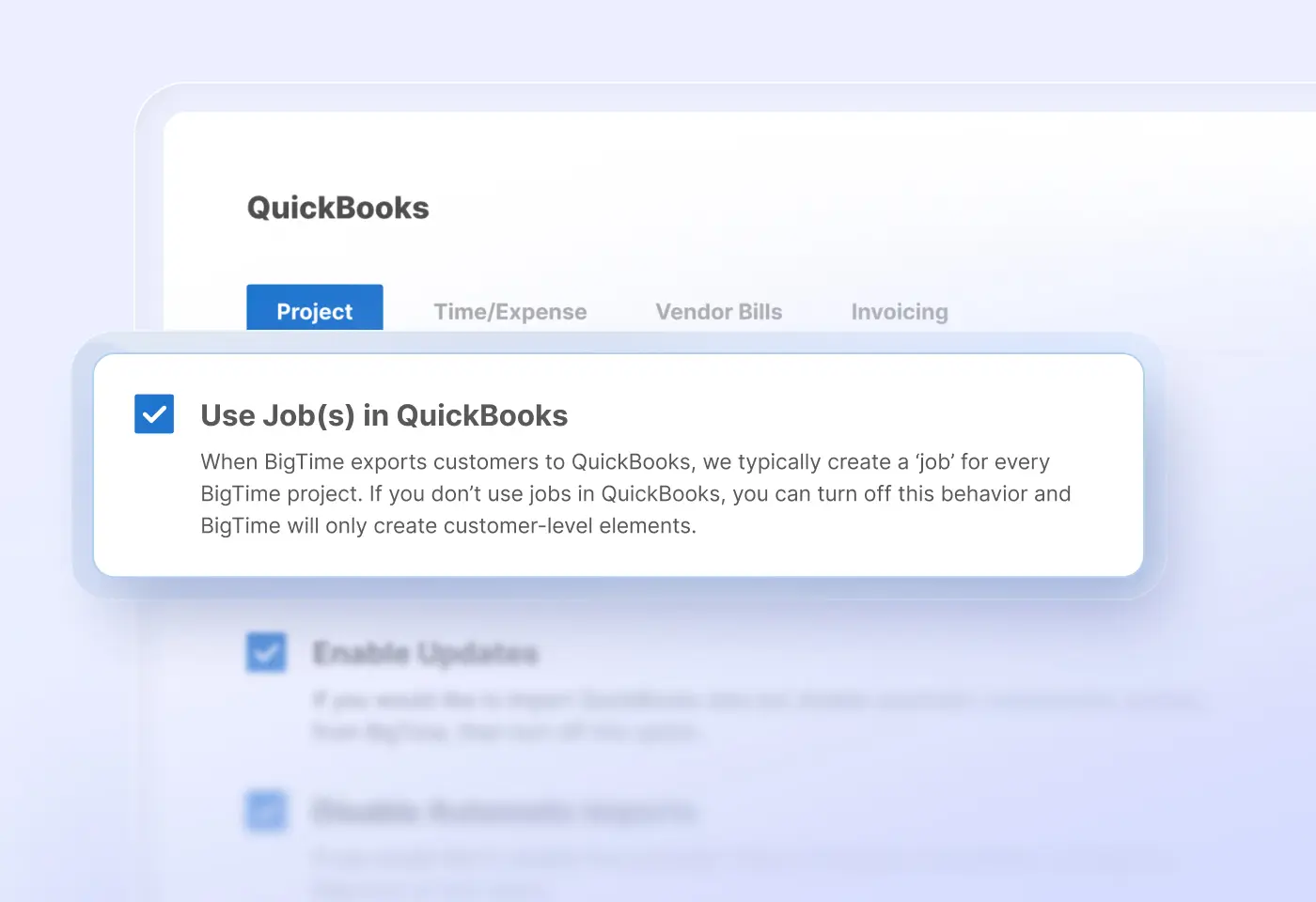
BigTime adapts to your existing settings in QuickBooks for a completely clean and consistent experience, free of human error.
Sync active clients and projects with zero downtime
Port company-specific labor and expense codes directly from QuickBooks
Stop doing double data entry
With BigTime + QuickBooks, you only need to enter your project data once. Our integration does the rest.
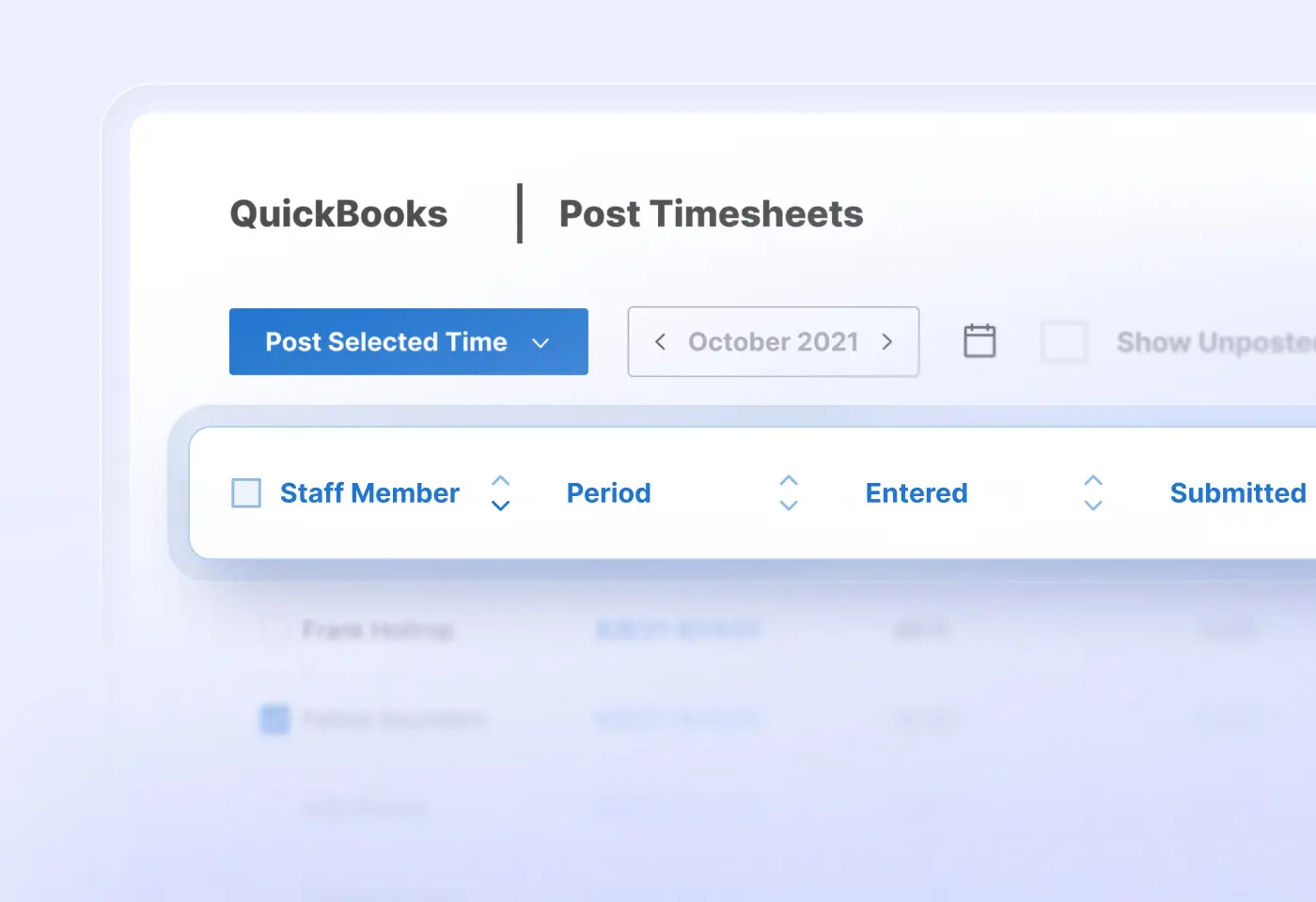
Post timesheets and expenses to QuickBooks
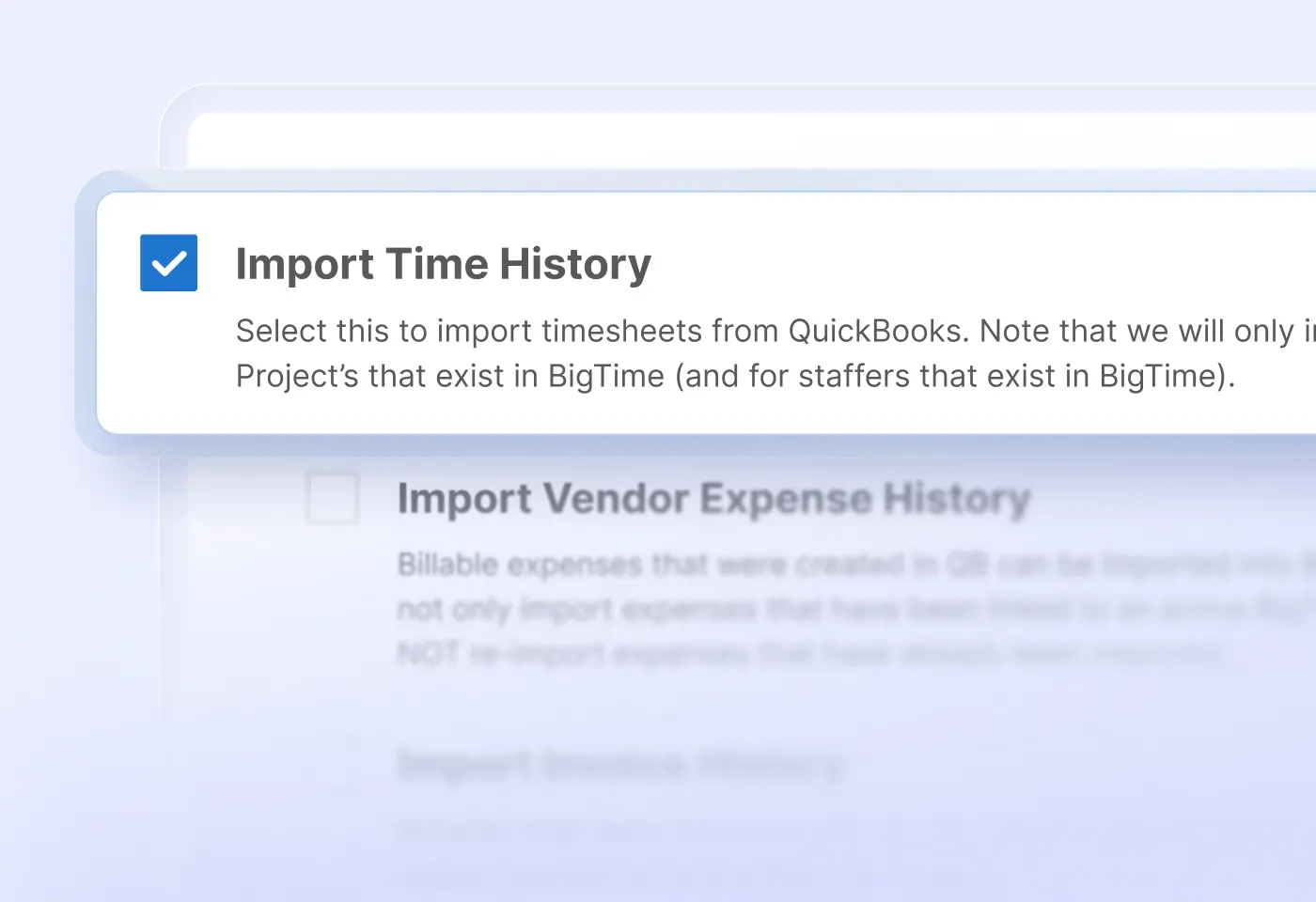
Import historical data from QuickBooks for easy implementation
How BigTime integrates with QuickBooks
Time and expenses logged in BigTime link to corresponding QuickBooks projects, making invoicing and accounting easier than ever.
You control how and when your data moves. Give accounting teams accurate, up-to-date information with less manual work by automatically syncing items like service codes, expense types, tax settings, and general ledger accounts.
You can't connect your finances if your tools are siloed
Get a firsthand look at how BigTime connects with QuickBooks to sync projects, time, and billing automatically. In this quick walkthrough, you’ll see how firms use the integration to save hours each week, eliminate manual entry, and keep every dollar and detail in perfect sync.
One Integration. Three Ways Firms Put It to Work.
QuickBooks connects to every corner of your financial operation — see how firms use it for time, billing, and delivery.
Time Tracking, Synced With QB
Capture every billable hour and sync it straight to your general ledger, automatically.
Recognized by Leading Firms for Financial Precision
CONSULTING
How Priority Designs Recovered $50K in Annual Revenue with BigTime Delivery
“[Prior to BigTime] I was spending so much time in the weeds trying to make sure that each project ran successfully, but I didn’t have time to actually do CFO things. PMs didn’t feel like they had the ability to be good project managers because they weren’t comfortable with the information they were getting.”
$44,000
in recaptured productivity
$35–$50K
in recovered invoices
Todd Henson
CFO
IT Services
How HPE Increased Cash Flow While Reducing Reconciliation Time and Effort
“I spend less of my time making sure that everything is correct in the books and going to the CPA. That’s an increase in revenue because it’s a decrease in my time spent on admin—I’m able to take on more work because I don’t have to spend my time reconciling payments.”
Hours
saved moving data to QuickBooks
Increase
in staff utilization
Jen Henderson
President
CONSULTING
How Patomak Global Partners Accelerated Invoicing With Easy-to-Use Time & Expense Tracking
“With BigTime, I’ve been able to go from spending 100% to 75% of my time on accounts receivable. Now I can spend 25% on billable [tasks]. It allows our company to make more billable use out of an employee like me.”
30 day
improvement in average invoice turnaround
25%
decrease in manual time spent invoicing
Nic Bewley
Senior Analyst & Billing Operations
Frequently Asked Questions
Can I control when my data flows between BigTime and QuickBooks?
BigTime is configured to accept data from QuickBooks at any time. Data ports from BigTime to QuickBooks, meanwhile, are always controlled by the user — we will never send out data without your consent.
If I have custom fields in QuickBooks, can they be mapped to BigTime, and how is this handled during sync?
Currently, custom fields in QuickBooks cannot be mapped to BigTime, and they are not included during the synchronization process.
How often should I run syncs between QuickBooks and BigTime? Can I schedule automatic syncs?
Frequent synchronization is recommended. QuickBooks Desktop will automatically sync as long as the Sync Agent is active. QuickBooks Online does not currently support automatic syncing. Our team can work with you to make sure you’re syncing frequently enough to enjoy all the benefits of synchronization.
Can I integrate more than one QuickBooks account with BigTime, and how does that affect synchronization?
To avoid data conflicts, we recommend syncing BigTime to a single QuickBooks account.
Add Project Economics to Your QuickBooks
An official Intuit-Integrated Application — instant sync with QuickBooks Online and Desktop, no re-entry.